Fluency Research

Real attacks, taken apart log by log.

We rebuild real intrusions from the raw logs, publish how they worked and why they got past the usual defenses, and ship the detections that catch them. Right now that work is centered on the two Microsoft 365 attacks that get past MFA without breaking it: adversary-in-the-middle session theft and device-code phishing.

Cases are sanitized: organizations, users, IP addresses and identifiers are removed. Times, error codes and log fields are shown as recorded.

Microsoft 365 identity attacks

Two attacks where the user completes MFA, for the attacker.

In adversary-in-the-middle phishing, a proxy relays the user's sign-in and keeps the session. In device-code phishing, the user approves a code on Microsoft's real page and the tokens go to whoever asked for it. Neither needs malware, and both survive a password reset. We took a real case of each apart from the logs, and our October 18–20, 2026 release detects the full sequence, not a single event.

AiTM: stolen session idle before replay
21 hAiTM: stolen session idle before replay
AiTM: residential IPs replaying one session
17AiTM: residential IPs replaying one session
Device code: approval to second rogue device
54 sDevice code: approval to second rogue device
Device code: approval to sign-in from abroad
98 sDevice code: approval to sign-in from abroad

A1 Storm-2755

Adversary-in-the-middle session theft

A reverse-proxy phishing page relays the real Microsoft sign-in. The victim completes MFA and the attacker keeps the session.

How the attack works

  1. 1Victims reach a fake Microsoft 365 sign-in through search ads and SEO poisoning.
  2. 2The proxy relays the password and MFA response in real time and keeps the session token that comes back.
  3. 3The token is replayed later from new networks, often by a script, to search for payroll and HR content.
  4. 4Inbox rules hide the replies. In one reported case the attacker changed bank details in a payroll system.

Source: Microsoft Threat Intelligence, Storm-2755 (April 2026)

Respond: Revoke sessions first, then reset the password, remove attacker MFA methods and inbox rules, and check payroll and banking changes.
The full investigation · 16 pages

Adversary-in-the-Middle in Practice

The 3:00 explainer

How Attacker in the Middle WorksA real Microsoft 365 takeover, explained in under three minutes.

How Fluency follows it

  1. CaptureAlerts

    A sign-in that ends in an error after MFA succeeded — the mark a relaying proxy leaves behind.

  2. ReplayAlerts

    The captured session used again from a network it has never come from.

  3. ActivityAlerts

    Mail, SharePoint or OneDrive access under the captured session from that new network.

  4. HideAlerts

    Inbox rules with throwaway names that exist to bury replies.

  5. PersistTimeline context

    New or changed authentication methods, recorded on the timeline.
A2 Storm-2372

Device-code phishing

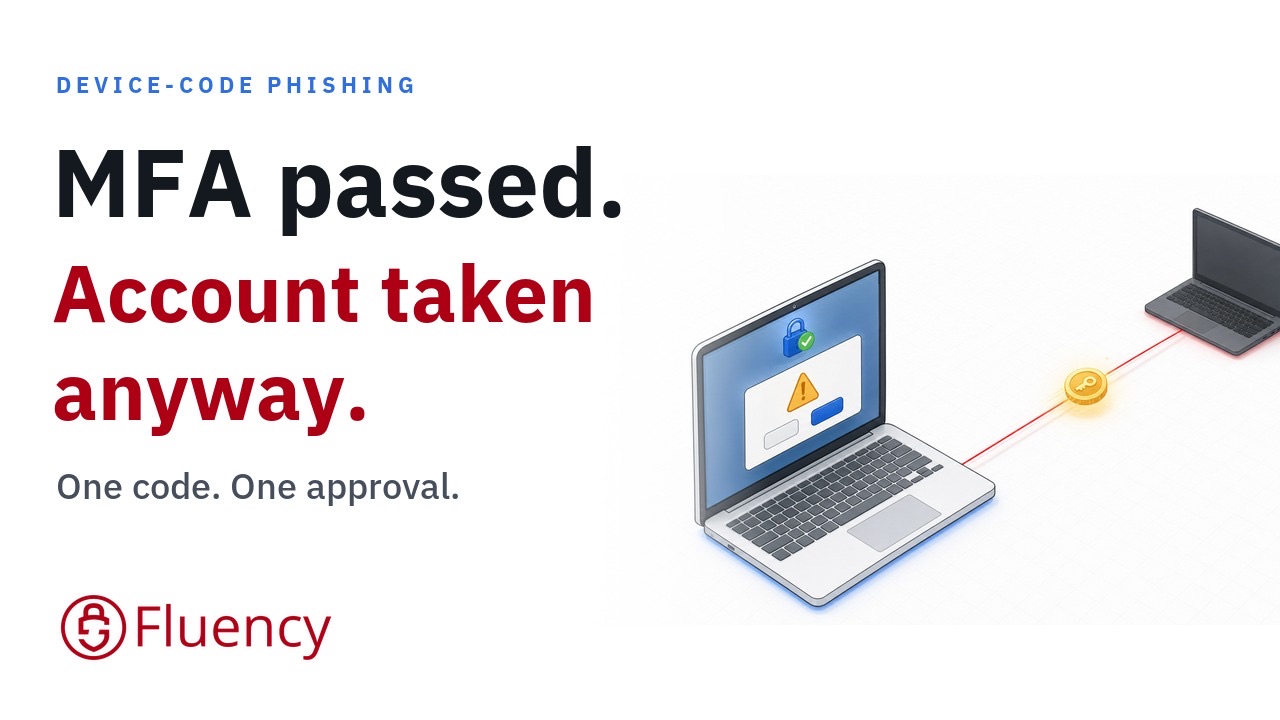
The "meeting ID" in a fake Teams invite is a device code. Typing it into Microsoft's own login page hands over the user's tokens.

How the attack works

  1. 1The actor builds rapport over WhatsApp, Signal or Teams before sending anything.
  2. 2A fake Teams meeting invite carries a device code where the meeting ID should be.
  3. 3Entering it at Microsoft's real device-login page approves a session the attacker holds.
  4. 4Since February 2025 the actor has used the Microsoft Authentication Broker to register devices for persistence. Microsoft now assesses Storm-2372 as an initial-access sub-cluster of Midnight Blizzard.

Source: Microsoft Threat Intelligence, Storm-2372 (February 2025, updated 2026)

Respond: Ask the user what they entered. Revoke sessions, delete any device registered after the approval, and consider blocking device-code flow with Conditional Access.

Admin tools that legitimately use device codes are excluded, and Teams Rooms or phones set up with a code are separated by network checks.

The full investigation · 13 pages

Device-Code Phishing in Practice

The 2:38 explainer

How Device-Code Phishing Works video thumbnailPublishing soon
How Device-Code Phishing WorksA real Microsoft 365 takeover: one code, one approval, two rogue devices, in under three minutes.

How Fluency follows it

  1. Code entryAlerts

    A user's first device-code sign-in to an everyday (non-admin) application.

  2. Attacker useAlerts

    The approved session refreshing from a new network — high confidence when the country is new too.

  3. PersistenceAlerts

    A device registered right after a broker approval, then a sign-in from a new network.

Also in this release

The persistence and privilege moves that follow.

Entra ID sign-in and audit logs, and the Microsoft 365 unified audit log. Rules sync to every tenant within about two hours with no configuration.

Federation changed
A domain set to federated, or its federation changed.
Elevated access
A Global Administrator elevates to User Access Administrator across subscriptions.
Federated credential changed
A federated identity credential added or removed.
Privileged role assigned
A privileged role granted directly, through PIM or as eligible.
High-risk sign-in
Entra ID Protection rates a sign-in high risk.
MFA fatigue
Repeated MFA denials or timeouts for one user.
MFA fraud reported
A user reports an MFA prompt as fraud.
Brute force
A burst of failed interactive sign-ins against one user.
Valid password blocked
Conditional Access blocks a sign-in right after a correct password.

Papers

White papers and briefs. No form.

Attack investigation

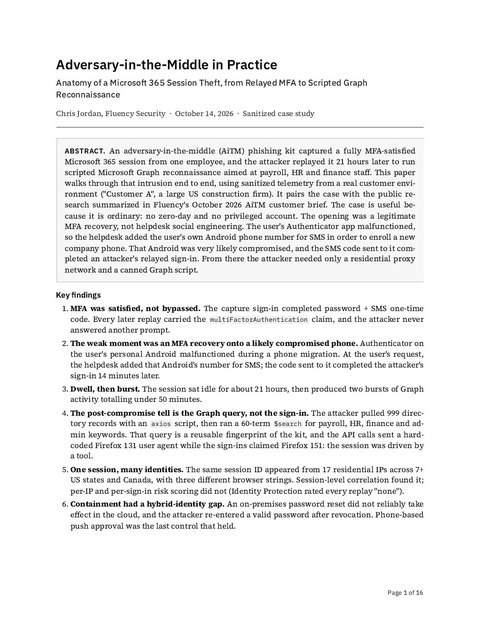
Adversary-in-the-Middle in Practice

A sanitized, log-level reconstruction of a real Microsoft 365 session theft: the relayed capture, a 21-hour wait, replay through 17 residential proxies, scripted Graph reconnaissance of payroll and finance staff, and the browser fingerprints that show a tool ran it. Includes six KQL hunts and a token-theft response playbook.

Download PDF · 16 pages ↓ Watch the video · 19:54

Attack investigation

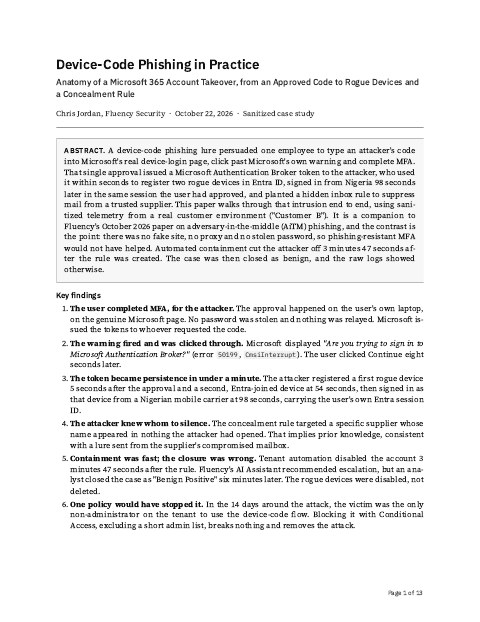
Device-Code Phishing in Practice

A sanitized, log-level reconstruction of a real Microsoft 365 takeover: one approved code for Microsoft Authentication Broker, two rogue devices registered within 54 seconds, a sign-in from Nigeria in the user's own session, and a blank-named rule hiding a supplier's mail. Includes the hunts, an audit-log-only method and a token-and-device response playbook.

Download PDF · 13 pages ↓

AI investigation study

AI Workflow versus Swarm AI

An AI-executed playbook and parallel, schema-specific analysis worked the same 253 cases. Where the verdicts, categorization and proposed responses differed, and why it mattered.

Download PDF · 8 pages ↓ Watch the video

Architecture

Why AI belongs in front of your SIEM, not behind it

How Fluency's MCP teaches Claude or Codex to run the SIEM with cheat sheets, governed tools and skills, through a real Critical phishing investigation and an eight-chapter monthly SOC report.

Download PDF · 13 pages ↓ Watch the video · 6:40

Architecture

What makes a SIEM modern?

Data lakes for durable retention, data fabrics that control telemetry in motion, and streaming analytics that detect while the data flows.

Download PDF · 13 pages ↓

Engineering brief

Governed MCP versus MCP over API

Why handing an AI agent raw SIEM APIs fails, and what a governed MCP layer does instead.

Download PDF · 1 page ↓

Primer

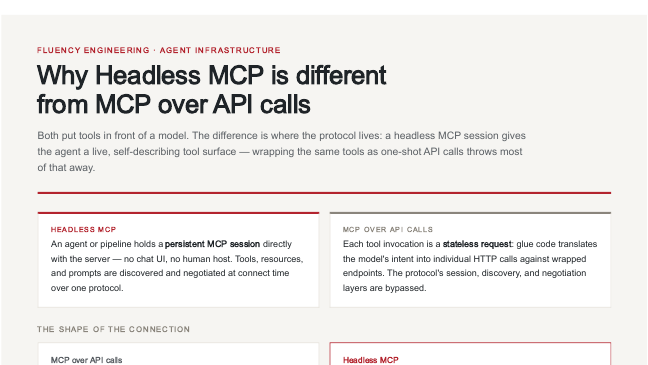
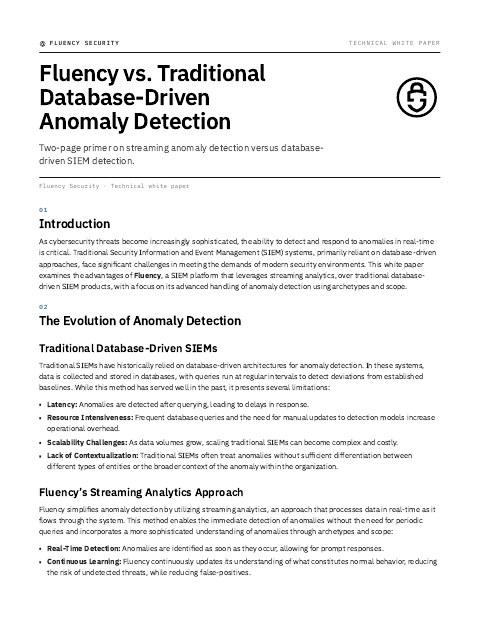
Fluency vs. Traditional Database-Driven Anomaly Detection

Why streaming analytics finds anomalies as they happen, where database-driven SIEMs find them a query later, and how archetypes and scope tell a one-user anomaly from an organization-wide trend.

Download PDF · 2 pages ↓

Analysis

How AI and the SOC are changing, with the evidence shown.

Swarm AI vs AI workflow: what 253 cases showTwo AI techniques, the same 253 cases, and where their verdicts split.
AI SOC Comparison: 10 Platforms, 6 Capabilities That MatterWhat separates AI SOC platforms beyond automated investigation.
Security Has Changed: What Replaced the FirewallHow the evidence moved off the network and into audit logs.
The Unbounded SIEM: Put AI in Front of Your SIEMCheat sheets, governed tools and skills, shown on a Critical phishing case.

Webinar series · 4 parts

How AI Changed the SOC

Henry Denner (ASI Connect) and Chris Jordan (Fluency Security), moderated by Patrick Evans.

Upcoming events →
Part 1An Alert Machine Is Not a SIEM
Part 2AI Changed the Speed, Not the Technique
Part 3A Certificate Is Not a Fitness Test
Part 4Analyst Rankings Are Not a Buying Signal

Sample reports

See the investigation, coverage and health reports Fluency produces.

Next investigation

Get the next attack teardown when it publishes.

New research, detections and walkthrough videos as they ship — the logs, the hunts and what to do about it.

Join the newsletter

The Unbounded SOC

See the results. Plan how to put them to work.

Explore a real security question with our team. Review the evidence, the operational next steps, and the deployment path for your environment.