

About the webinar
Reimagining SOC Services was Fluency Security's monthly webinar for October 21, 2026. Henry Denner, who runs the MSSP operation at ASI Connect, came back after an earlier session to share what has changed in his SOC since then. Chris Jordan, CEO and co-founder of Fluency Security, joined him, and Patrick Evans moderated. The recording is published in three parts. This is Part 1.
What you're about to read
This is an edited transcript of Part 1. It has two halves.
First, Chris explains the two attacks hitting Microsoft 365 hardest right now, and why most detection misses them. Attacker in the middle steals a session token through a phishing proxy. Device-code phishing registers the attacker's own device in your tenant. He also covers why Microsoft's move away from SMS sign-in helps against the first attack but not the second.
Then Henry walks through a real incident at ASI Connect. The alert came in about four minutes, and an AI investigation report followed about ten minutes later. That report found the attacker's devices, which a standard token reset would have left in place. He compares that with the half hour to an hour the same investigation takes by hand in Entra ID and Purview.
The wording is lightly cleaned from the recording. Links point to the videos, papers and Microsoft notices mentioned along the way.
Transcript
Patrick Evans: … Chris, do you want to just tell people what you're seeing, how you saw it, where this can be remediated, how you'd remediate, et cetera? Just give them some intelligence and knowledge about what's going on.
Chris Jordan: If you were to take a look at just the news in general, and look at what's been posted about vulnerabilities and really what Microsoft calls storms — which are basically APT campaigns — you're going to find that the most common is a technique called attacker in the middle. We have a video on that on the website, or on our YouTube channel also.
And what that is, is when the attacker gives you a link. It says, hey, go to this link so you can get to this document. You think you're logging into Microsoft, and you are — but you're going through a proxy, and the attacker is actually stealing your credentials in that proxy. So it bypasses MFA. They get this cookie — really a token — and that token is going to be good until it gets reset, or for however long your tokens are good for. Normally that's 30 days.
And so the attacker has free rein during those 30 days, and they'll do things like figure out your organization, who moves money. There are about nine techniques that are used after they gain access, including sending out fake invoices and changing your Office mailbox rules. And the attackers are quite adept at this, and one reason is because they have what are called phishing kits. This capability is part of a phishing kit.
The second one is what's called device code phishing. If you've ever used Netflix at a hotel, and it says, hey, log into Netflix, you get a code, you type the code in, it matches, you say, yeah, that's me — that is device code login. And what happens is, again, same type of thing. You have a document or something very urgent to review, so: type in the device code. The person does, and then, unlike getting a token, this one actually adds this device into your infrastructure, bypassing MFA, and actually does it permanently. So even after 30 days, they're still a member of your organization. So if you've done a token refresh, which is a very common technique that MSSPs use, you think you're getting rid of this attacker, but the attacker is still in your infrastructure. And so that's a very, very dangerous one.
Now, coming up in February, Microsoft is getting rid of SMS texting, which is the majority of the reason behind this attacker in the middle. And they're trying to push people to passkeys, another technique that helps address attacker in the middle. But you still have the initial passkey access, and new users are still going to be vulnerable to this type of attack. And like I said, if you're not using passkeys, you're going to be vulnerable to this type of attack. And that's just the first one. The second, device code — this is a capability established by Microsoft in 2025, and that is not going to be addressed in the February change.
So there you go. That's what's going on in the Microsoft world. I think we can go into detail maybe in a future one about how in Fluency we've added the ability to actually detect this.
I should note that with attacker in the middle, Microsoft can detect it if the attacker uses it right away. But what attackers do — and again, the video shows a 20-hour delay; it just takes a couple of hours — Microsoft doesn't remember that long a window. So basically Microsoft doesn't see the bang-bang, and so doesn't set the alert. So with these types of attacks, right now you're not being notified by Microsoft, because they're actually features, right? And these features are fairly dangerous, but we can detect them.
All right. So that's what's going on on that wonderful attack part. And to tell you the truth, a lot of the stuff that we're doing right now, we're doing root cause analysis using AI. And that's what this discussion is about today: how is AI changing our operations, and changing Henry's operations?
Patrick Evans: So Henry, that's a great segue to you. You've had some exposure — you've actually, I think, experienced one of these attacks. So maybe as an MSSP, share what happened and how you were able to remediate it and block it. But also then use it as a segue into what you want to share with us today, and that is your total experience in onboarding your clients and putting the Fluency system in place, and what you've got as a benefit and value from it.
Henry Denner: These attacks are quite interesting. When we discovered this incident, we got notified within about four or so minutes from the software that there's something suspicious happening with an account. And the first thing we did is we went and disabled the account, we reset the password, and we took out the session tokens.
And then the beauty of the AI capability of Fluency comes into play, where we said to Fluency: give us a complete overview of the attack on this account. So about 10 minutes later, I had a report in my hand detailing exactly what happened. And that report did say, hang on, there are still new devices created in that account. So when we then went into Entra ID, we saw, hang on, there are actually two devices created on the same day within seconds of each other. And we noticed that those devices were actually suspicious — which then ties to what Chris was explaining. So that then allowed us to disable those devices, and we were able to actually prevent that attacker from persisting.
And I think the difference that we saw from an AI investigation perspective, on the Fluency side, is the speed at which we could do this. For those on the call who have done investigations via Entra ID and Purview, it takes you not 10 minutes, not five minutes, to actually formulate what's happening. You have to go into Purview, into the audit section, extract the logs, find a way to evaluate them, then you find out you need some more logs, and then you have to combine them. So it takes you probably half an hour to an hour at least before you have some kind of view.
During that time, two things happen. Number one, the person can't work — the actual user can't work. But number two, it gives more time to that adversary to actually play around in your environment. So we essentially had a dwell time of around eight minutes for that attacker while it was in the environment. So did stuff happen? Yes. The report told us exactly which accounts were accessed, which devices were created. So literally within minutes we had details at our fingertips that allowed us to respond properly, and not have to wait for Microsoft logs to be downloaded and exported and reviewed.
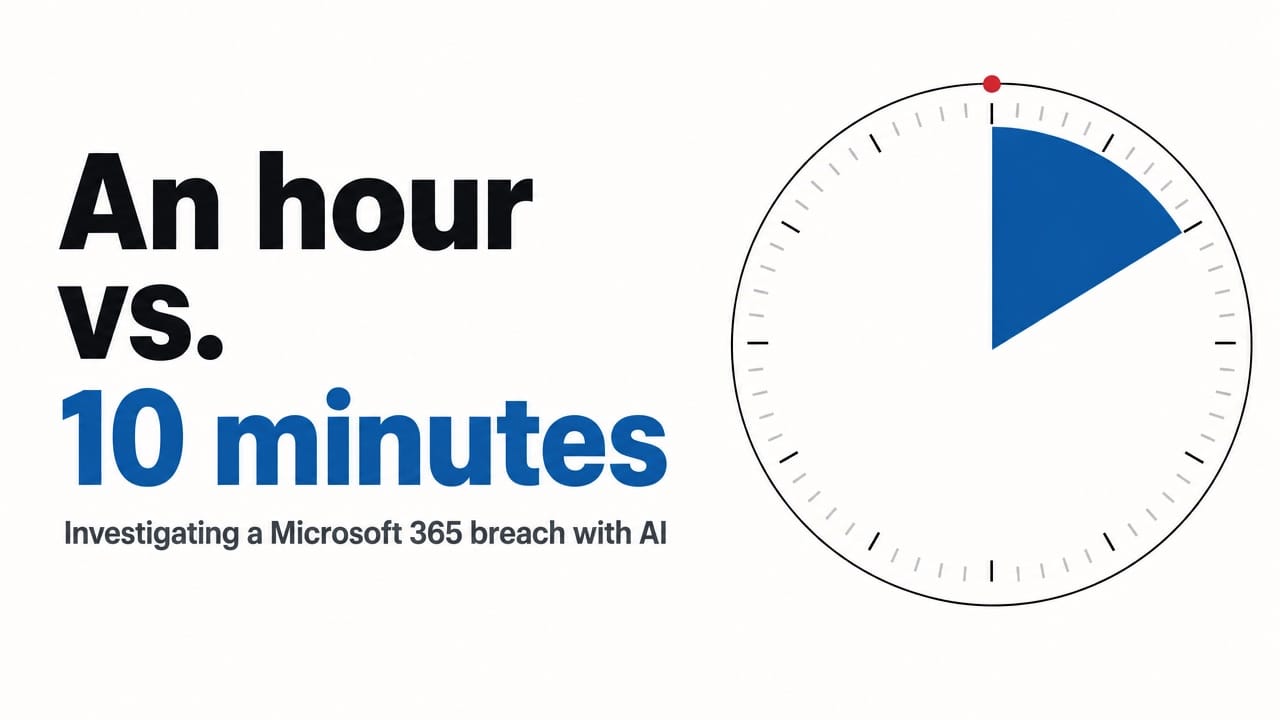
So from that perspective — and I do have this on a dashboard, if you want to see it later — the AI capability really came to the fore. And time really is what makes a difference for us. From an hour to do that investigation, to go through and trawl through all of those hundreds of thousands of logs, to literally 10 minutes to know exactly what the attacker was doing. And that for me is a game changer for me and my team.
And these things happen so often, where people click on things, they share passwords, they share all sorts of stuff. So the sooner we can react, the better. Can we stop it? Probably not, because you're always going to have somebody click it — until Chris and his amazing team implement all of that nice blocking and stopping, very soon hopefully. Then we can stop it maybe. But the reality is there's always going to be something that gets through. And the ability to actually reduce your investigation time, to really understand what happened — for me, that is absolutely amazing.
And literally, it's an hour versus 10 minutes. And we know in the cyber world what's going to happen in an hour versus what can happen in 10 minutes. So that's really the game changer from an AI perspective for me.
Summary
The two top Microsoft 365 attacks use features, not flaws. Attacker in the middle sends the victim through a proxy to a real Microsoft login. It captures the session token, which bypasses MFA and gives the attacker access for as long as the token lasts, normally about 30 days. Phishing kits make the attack easy to run at scale. Device-code phishing tricks the victim into entering a code that registers the attacker's device in Entra ID. That device stays after a token refresh, so the usual MSSP response leaves the attacker inside.
Microsoft's changes only partly close the gap. Microsoft is retiring its own SMS and voice sign-in on February 1, 2027, and pushing users to passkeys. That cuts into attacker in the middle, but new users and anyone not on passkeys stay exposed. The change does nothing about device-code phishing.
Microsoft often won't alert on these. It can catch attacker in the middle when the stolen token is used right away. Attackers wait a few hours, past the window Microsoft looks at, so no alert fires. Spotting these attacks takes detection built for them.
At ASI Connect, speed made the difference.
- An alert arrived in about four minutes.
- The team disabled the account, reset the password and revoked session tokens.
- An AI investigation report about ten minutes later showed which accounts were accessed. It also showed two devices registered seconds apart, the device-code persistence Chris described.
- Removing those devices stopped the attacker from staying in. Henry put the dwell time at about eight minutes.
By hand, through Purview audit logs and Entra ID, the same investigation takes his team half an hour to an hour or more.
The takeaway. Something will always get through, because people click links and share passwords. What a SOC can control is how quickly it understands what happened. As Henry put it, it's "an hour versus 10 minutes," and an attacker can do a lot in that hour.
Next, Part 2: how ASI Connect redesigned its SOC service.
References
Fluency Security
- How Attacker in the Middle Works (explainer video) — https://youtu.be/8RQtEPAaY5k
- Investigating AiTM Session Theft in Microsoft 365 (SOC walkthrough video) — https://youtu.be/V-RlBjXdcbY
- How Device-Code Phishing Works (explainer video) — https://youtu.be/EXkG4jhg4QY
- Device-Code Phishing in Microsoft 365: A SOC Technical Deep Dive (video, public December 3) — https://youtu.be/J4oEx4kREjY
- Device-Code Phishing in Practice (white paper) — https://fluencysecurity.com/papers/device-code-in-practice-white-paper.pdf
Microsoft
- SMS and voice authentication retirement, Feb 1, 2027 (Microsoft Learn) — https://learn.microsoft.com/en-us/entra/identity/authentication/concept-sms-voice-retirement
- Retirement FAQ — https://learn.microsoft.com/en-us/entra/identity/authentication/concept-sms-voice-retirement-faq
- Passkeys are the default authentication method in Entra ID (Microsoft Security blog, July 13, 2026) — https://www.microsoft.com/en-us/security/blog/2026/07/13/microsoft-entra-id-security-updates-passkeys-are-the-default-authentication-method-in-entra-id/
- How Microsoft names threat actors ("Storm" designations) — https://learn.microsoft.com/en-us/unified-secops/microsoft-threat-actor-naming
- Inside Tycoon2FA: how a leading AiTM phishing kit operated at scale (Microsoft Security blog, Mar 4, 2026) — https://www.microsoft.com/en-us/security/blog/2026/03/04/inside-tycoon2fa-how-a-leading-aitm-phishing-kit-operated-at-scale/
- Storm-2372 conducts device code phishing campaign (Microsoft Security blog, Feb 13, 2025) — https://www.microsoft.com/en-us/security/blog/2025/02/13/storm-2372-conducts-device-code-phishing-campaign/
- Block device code flow with Conditional Access — https://learn.microsoft.com/en-us/entra/identity/conditional-access/policy-block-authentication-flows
- Manage device identities in Entra ID — https://learn.microsoft.com/en-us/entra/identity/devices/manage-device-identities
- Search the audit log in Microsoft Purview — https://learn.microsoft.com/en-us/purview/audit-search